

Every order, to the right station, the moment it's sent.
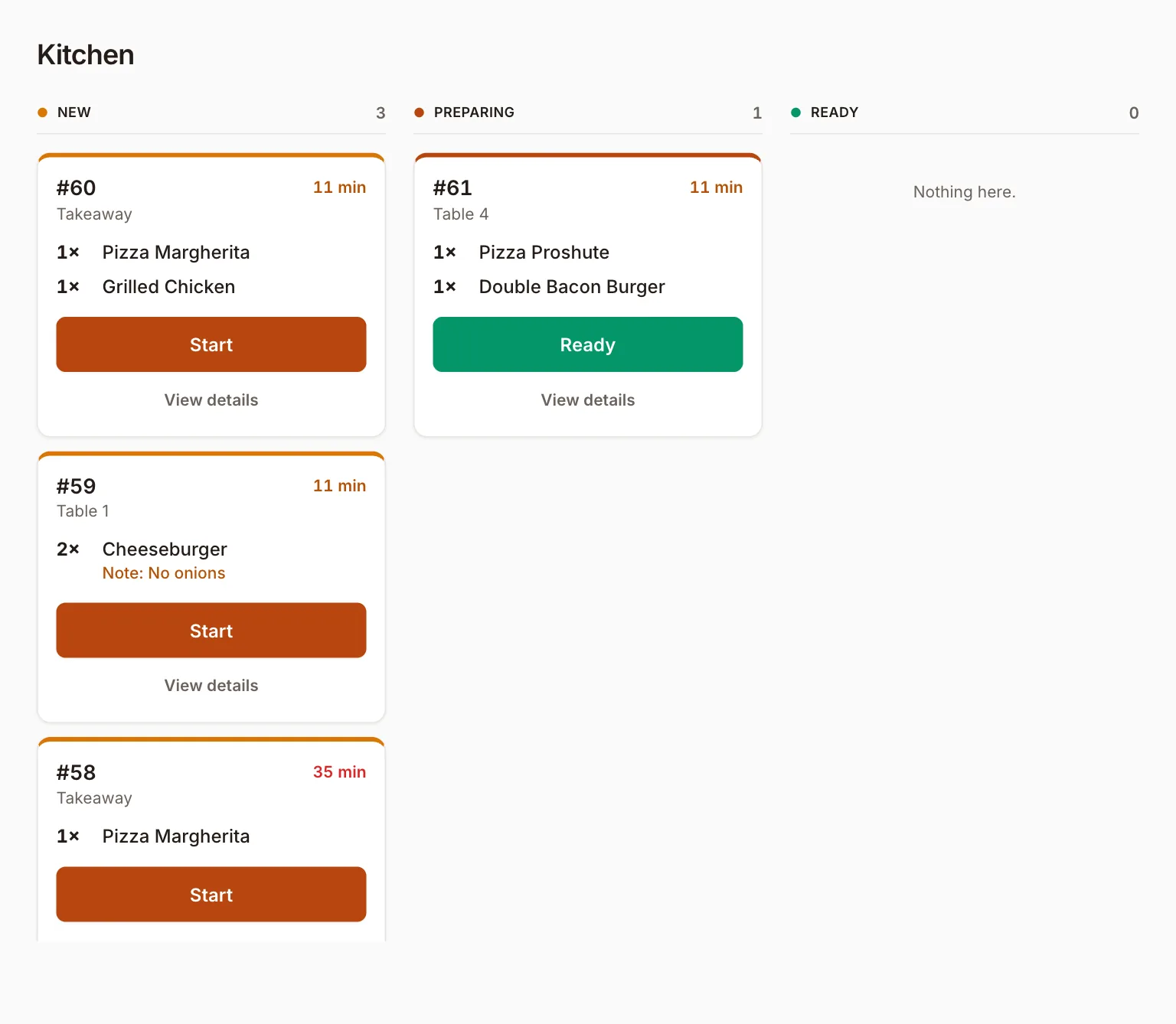
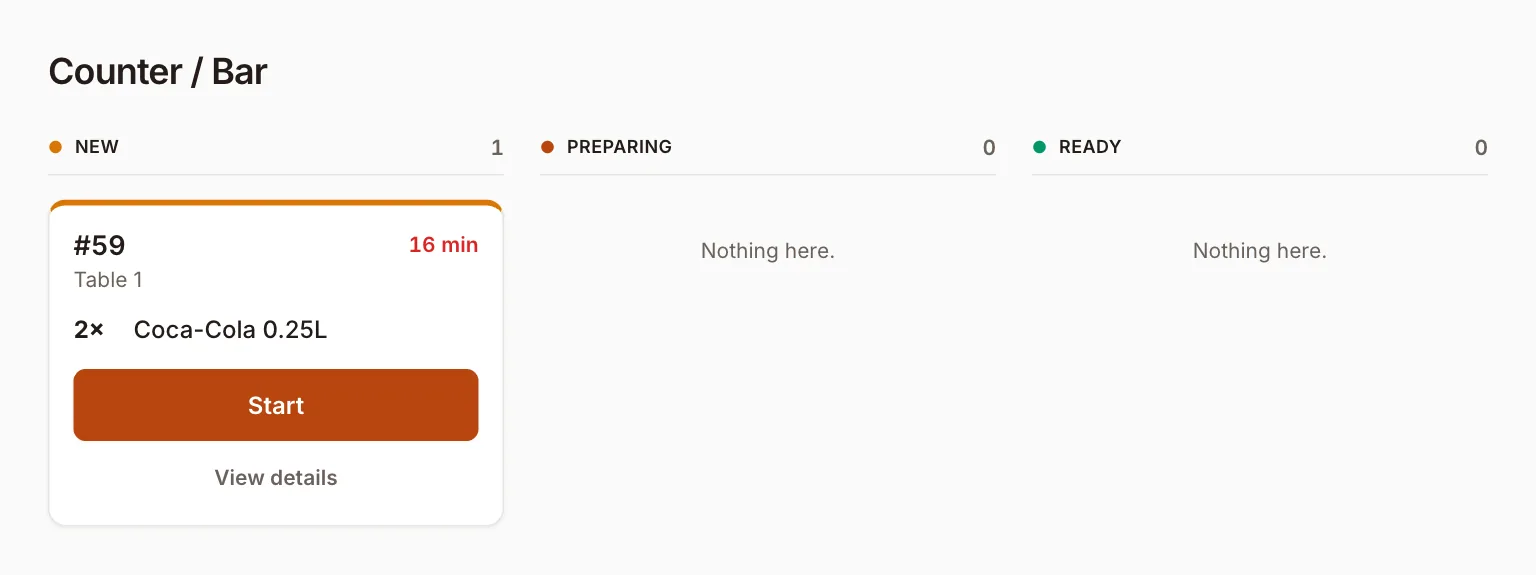
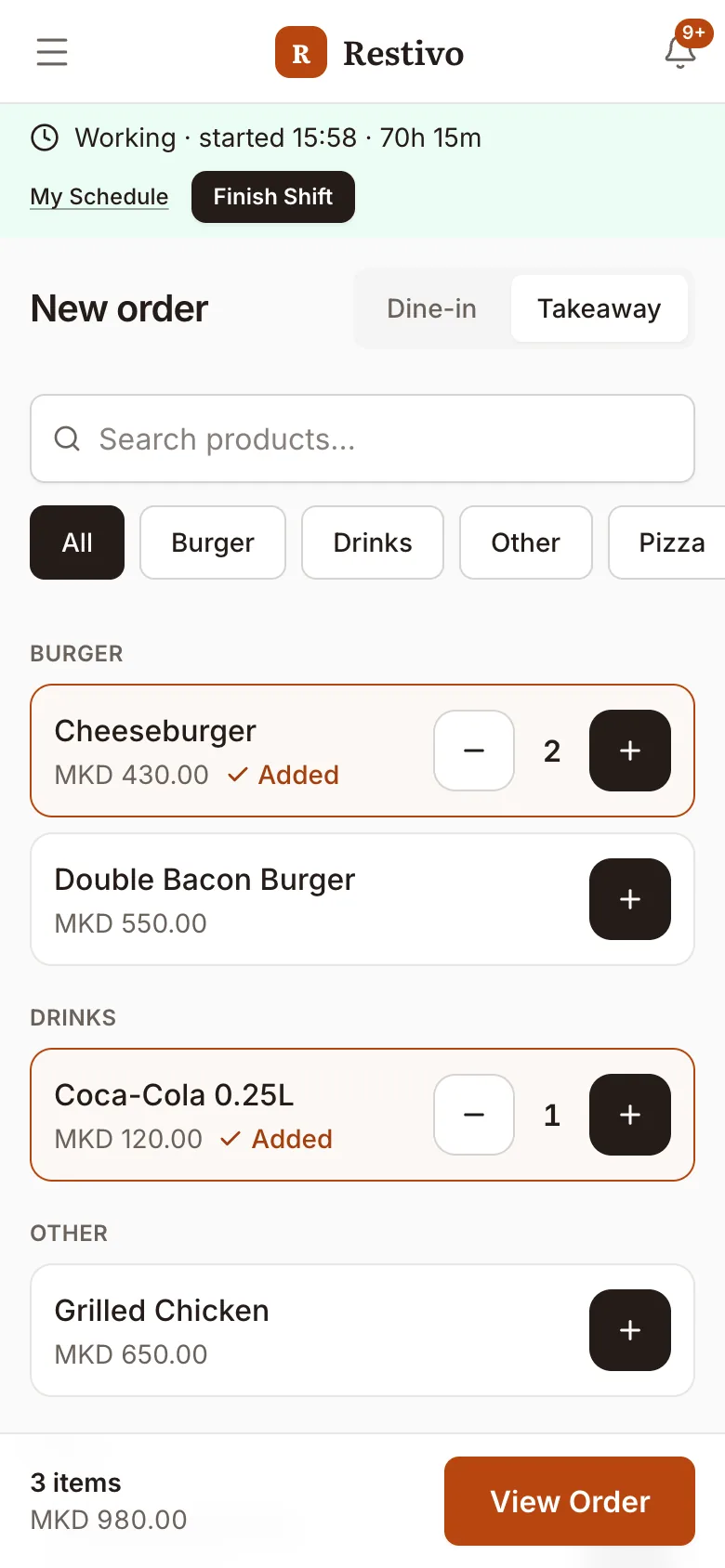
Restivo is restaurant software for the whole floor. Waiters take orders on their phones, the kitchen and the bar each see only their own items, and paid orders count into today's sales.
Service slips in the gaps between people.
Three gaps Restivo is built to close.
- 01
Orders travel by voice and paper
A table's order is called across the pass or copied onto a ticket, and the waiter, the kitchen and the bar each end up holding a different version.
- 02
One ticket for two stations
Food and drinks come from different places but share one list, so someone has to split it by hand.
- 03
Sales are added up afterwards
The day's numbers get counted after service instead of building up as orders are paid.
One order, split to the right station, the moment it's placed.
The same workflow already running in Restivo today — an order goes to the kitchen and the bar at once, each station marks its own items ready, and the waiter is notified the instant everything is.
- 1
Order taken
The waiter adds the items on their phone and taps Send
Order #58 · Table 4
- 1× Pizza MargheritaKitchen
- 2× Coca-Cola 0.25LBar
- 2
Split by station
Food appears on the kitchen screen, drinks on the bar screen
Kitchen
1× Pizza Margherita
PreparingBar
2× Coca-Cola 0.25L
Preparing - 3
Ready
The cook taps Ready — the waiter gets a notification
KitchenReadyBarReadyWaiter notified: order #58 is ready
- 4
Paid and closed
Payment is recorded and the order shows in today’s sales
Paid by cardMKD 540.00Completed · in today’s sales
Hear the moment it opens.
Leave your email and we'll tell you when Restivo opens.
The app itself, on demo data.
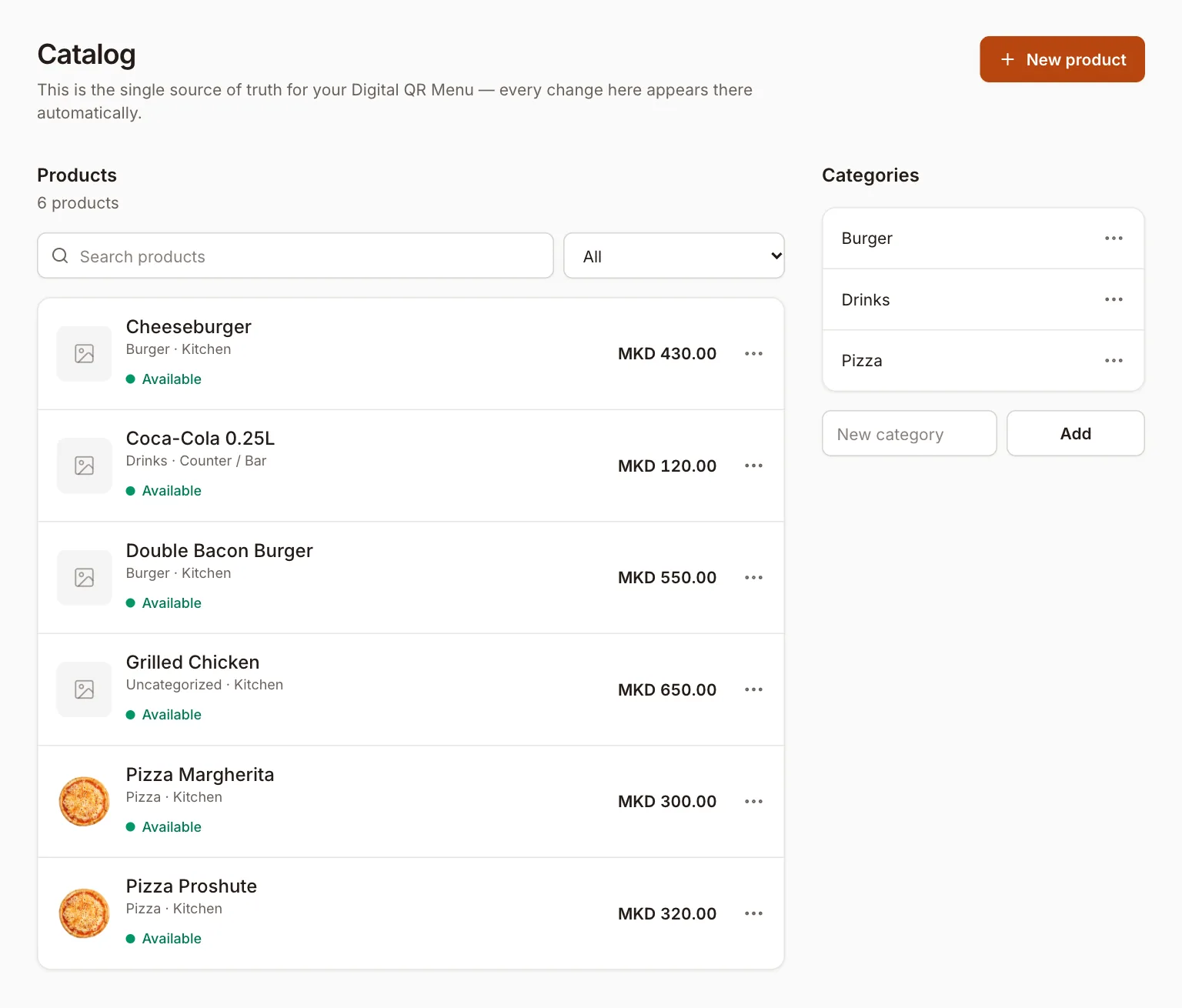
Catalog
Every product with its category, the station it goes to, its price and whether it's available.
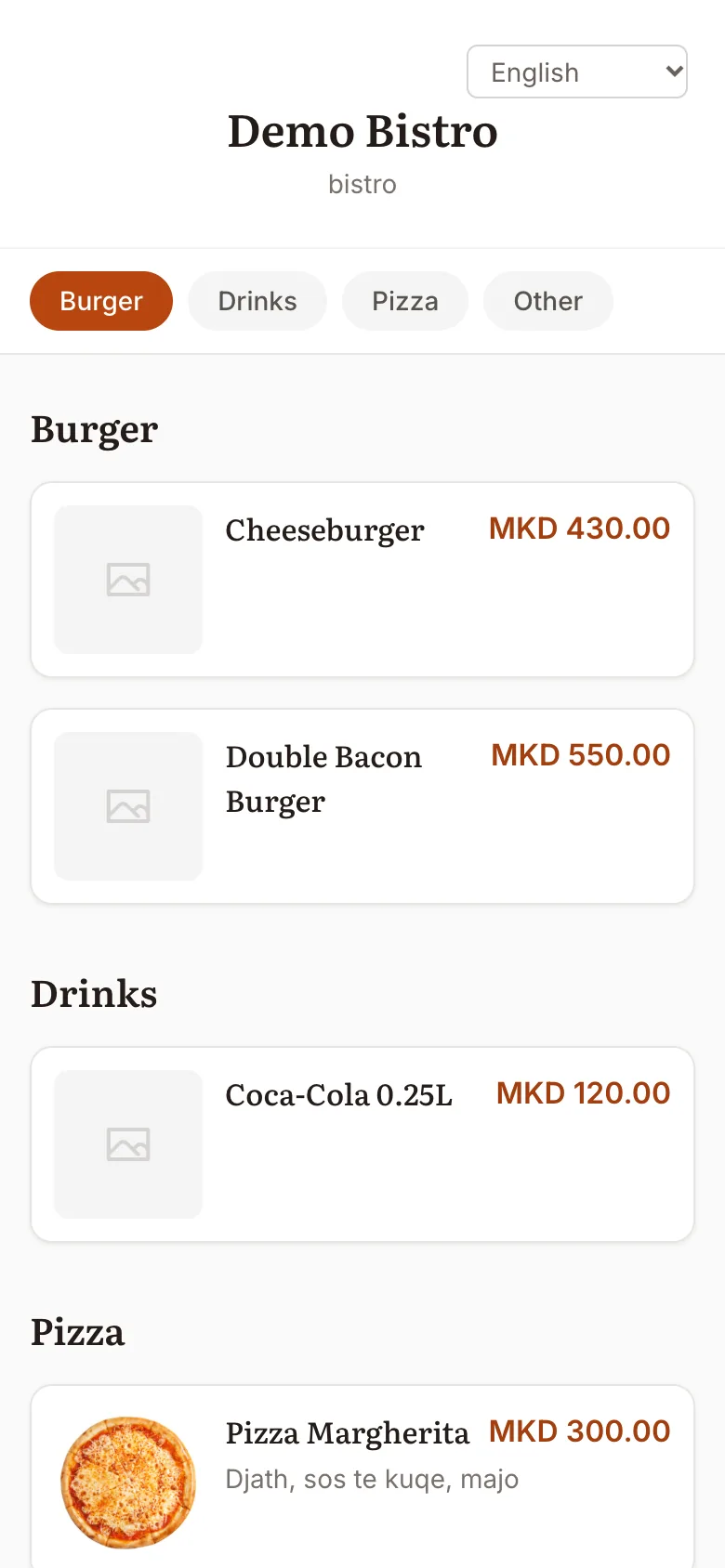
QR menu
The menu guests open on their phone, built from the same catalog.
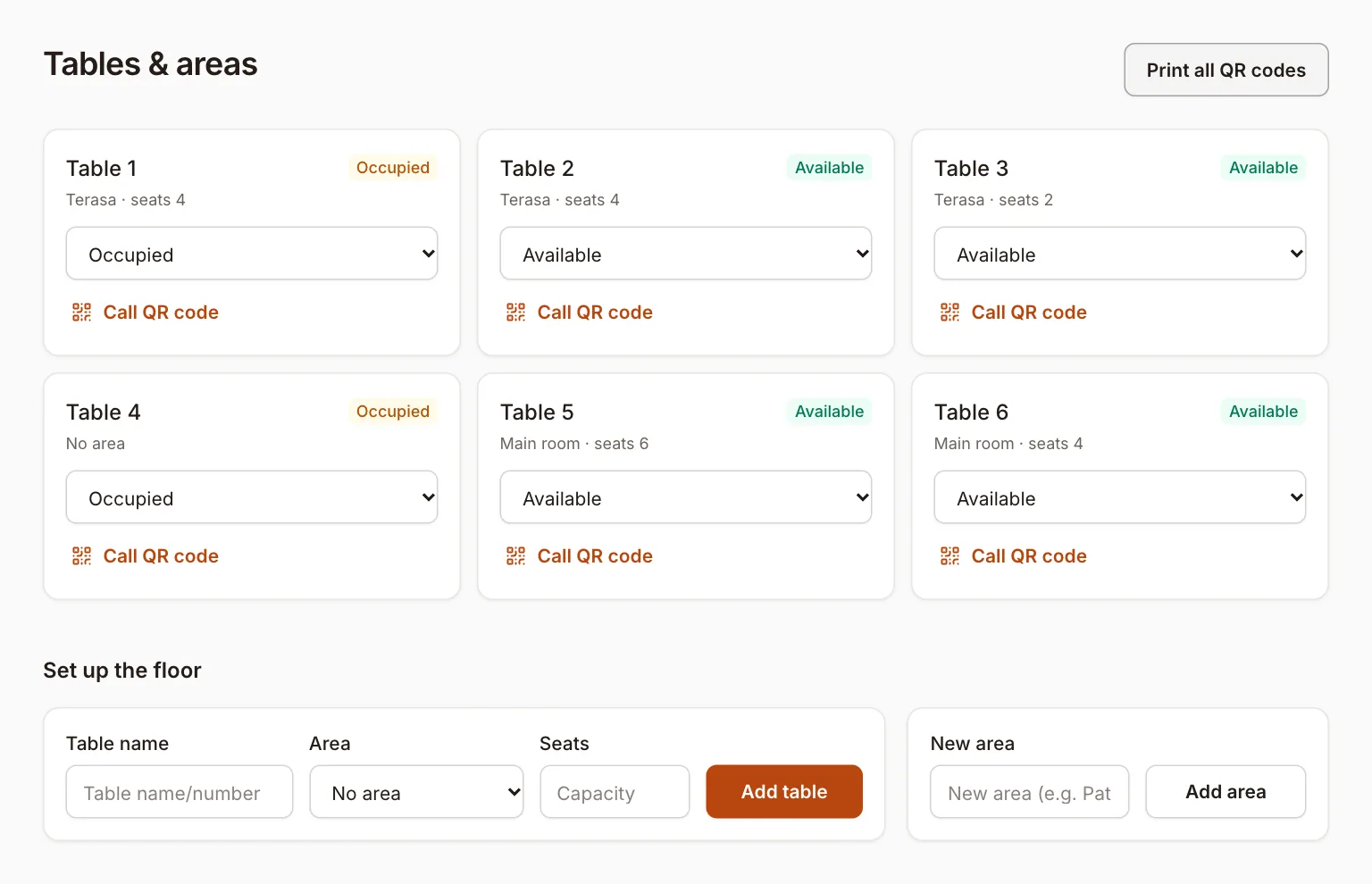
Tables
Every table with its area and seats, whether it's free or occupied, and its call QR code.
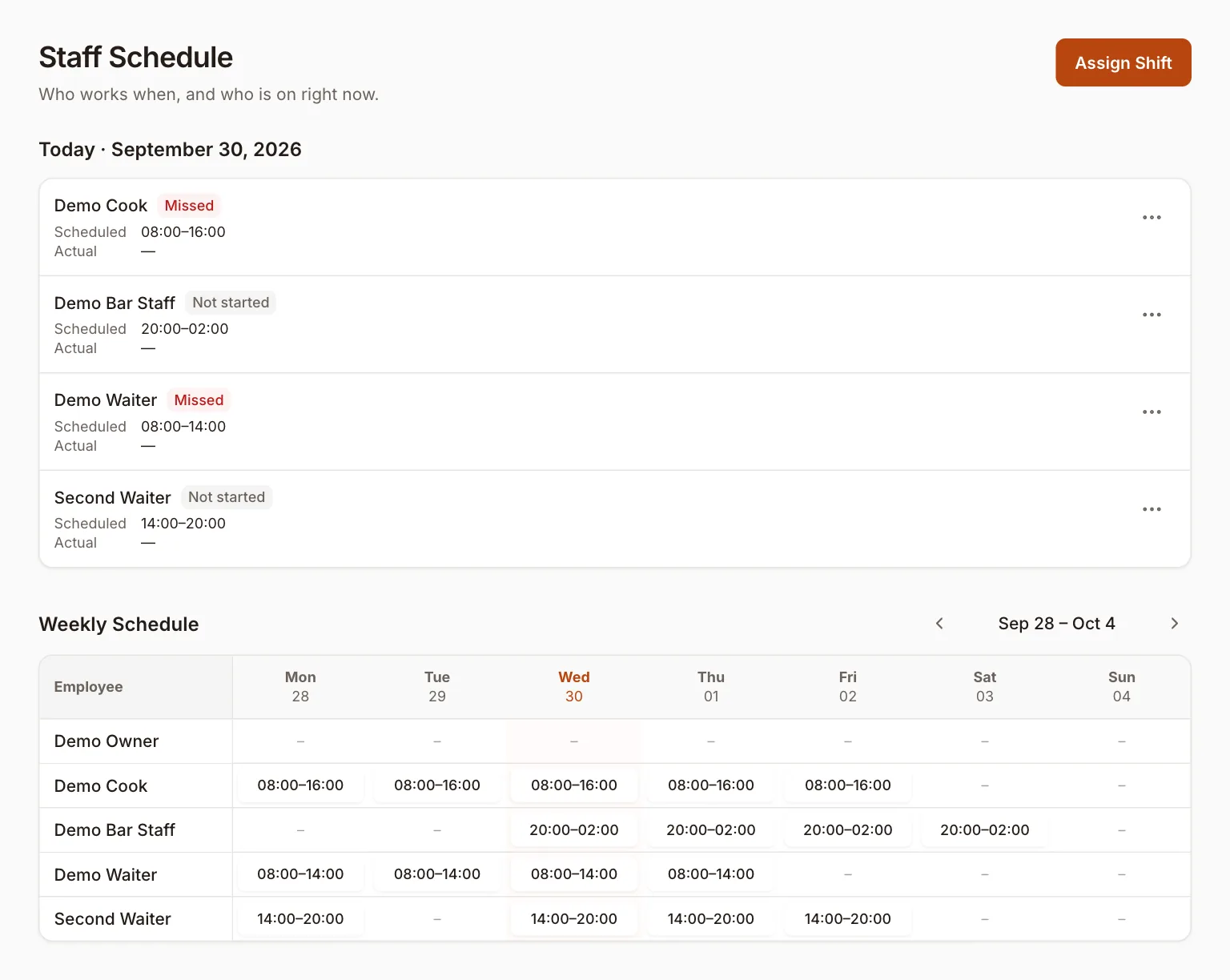
Staff schedule
Who's on today and whether they've started, plus the week's shifts.
Screenshots from the running app, with a demo restaurant's data.
A closer look at Restivo.
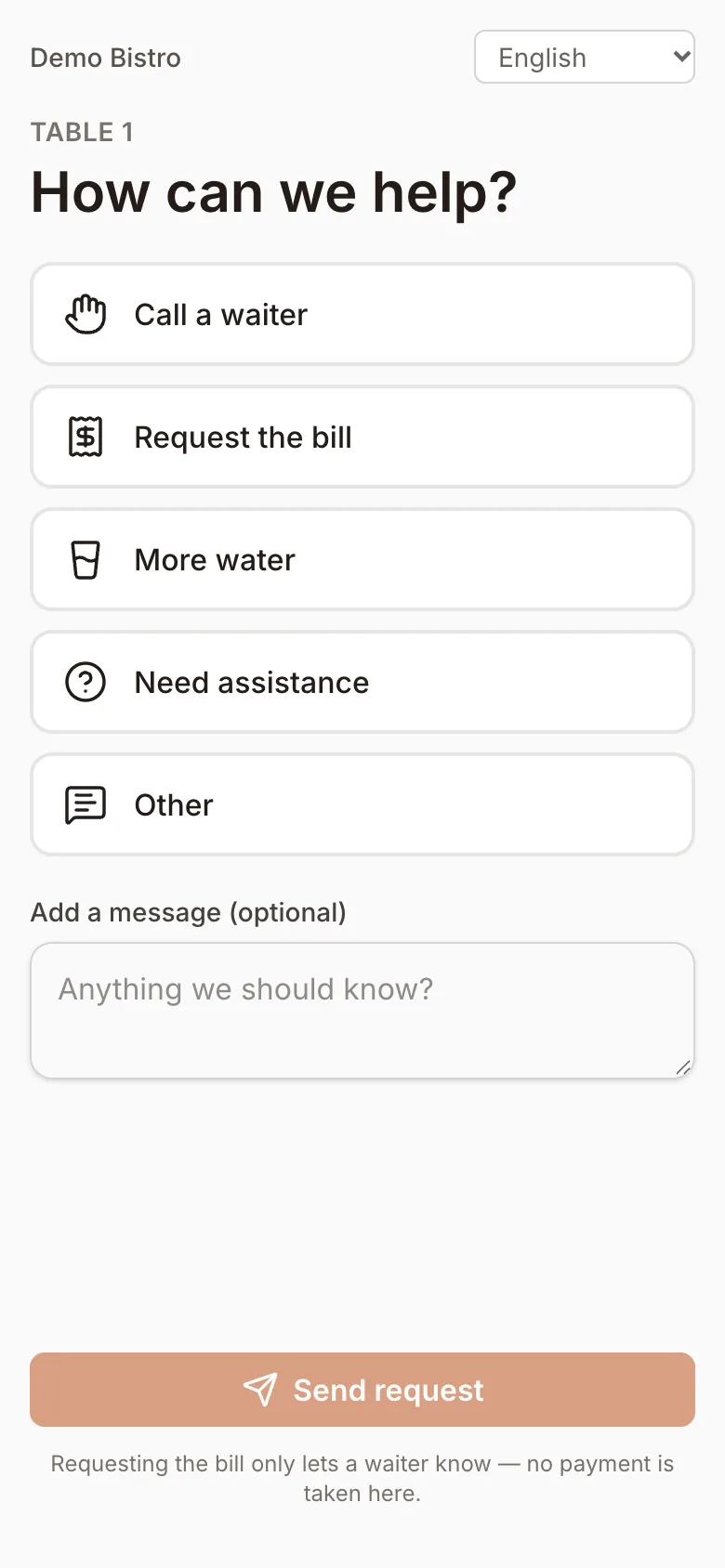
Built on real restaurant workflows, not a generic template.
- Every action is checked on the server
- Permissions, discounts and voids are enforced server-side — never just hidden in the interface.
- One account, several businesses
- Run more than one restaurant or café from the same sign-in, each with its own menu, team and reports.
- Built on React, Laravel, PostgreSQL and Redis
- Standard, well-understood technology underneath — no proprietary lock-in.


Restivo is opening soon.
Join the waitlist and we'll email you when it does.